Download Cardsafe.
One official download center for iPhone, Google Play, browser access, and the Cardsafe Android APK.
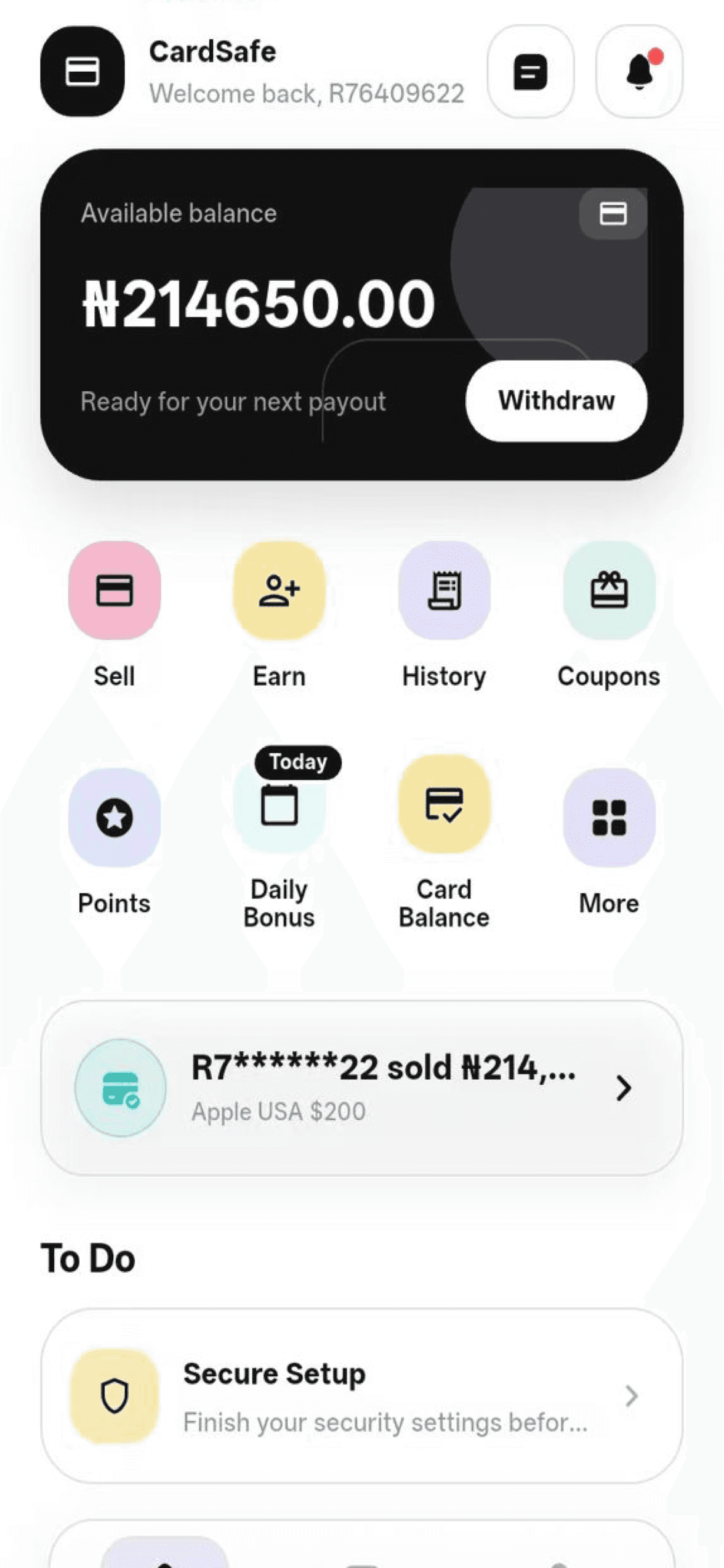
All platforms
Choose the install path that fits your device.
Device detection highlights a recommendation, but it never hides another official option.
App Store
The official Cardsafe app for iPhone and iPad, installed and updated by Apple.
Download →Google Play
The standard Android install with updates handled through Google Play.
Download →Web App
Use Cardsafe in a modern browser without installing another app.
Open now →Android APK
A direct package for Android users who cannot install from Google Play.
Download →Marketing short links
Copy the first-party Cardsafe links for SMS and WhatsApp campaigns. Store destinations remain environment-controlled.
App Store
https://cardsafe.app/iGoogle Play
https://cardsafe.app/gInstall guidance
A clear route for every platform.
iPhone and iPad
Open the App Store listing, review the publisher information, and let Apple handle installation and updates.
Google Play
Use Google Play for the standard Android install and automatic app updates.
Web browser
Open Cardsafe directly on a modern mobile or desktop browser with no package installation.
Android APK
Use the APK only from this official website. Android may ask you to approve installation from your browser.
Download FAQ
Install with confidence.
For account or transaction questions, continue to the Help Center.
Which download should I choose?+
Use App Store on iPhone, Google Play on most Android phones, or the Web App if you do not want to install. APK is an alternative Android package.
Why does Android warn about APK files?+
Android warns before packages installed outside Google Play. Confirm that the file comes from cardsafe.app before continuing.
Can I start on the web and install later?+
Yes. The Web App is available as a separate official access path, and you can install the native app later.